 Deutsch
AI-Designers



Your AI answers hundreds of requests every day. Many of them look almost the same. Yet the model computes each answer from scratch. That costs compute time, money and your users’ patience. Semantic caching solves this problem elegantly. The system recognises similar questions and returns a vetted answer instantly. You save resources without sacrificing quality. This article shows how the technique works and where it pays off.
What semantic caching really means
Classic caches compare character strings exactly. Only an identical question hits the store. When a user phrases the question differently, this approach fails at once. Semantic caching works differently. It compares meaning, not wording.
The system turns every request into a vector. This vector describes the sense of the question numerically. When a new request arrives, the system finds the nearest stored vector. If it sits close enough, the question counts as known. The cache serves the matching answer directly.
The examples show the strength clearly. “How long does delivery take?” and “When will my order arrive?” mean the same thing. An exact cache misses this closeness. A semantic cache spots it reliably.
This is exactly where the business leverage sits. A language model burns expensive compute on every answer. The cache bypasses that effort for recurring questions entirely. You reduce the load on your graphics cards. At the same time, waiting times drop for your users.
How the reuse works technically
You place an embedding model in front of your language model. This small model generates the vectors for each question. A vector database stores the pairs of question and answer. Both components run comfortably on your own hardware.
The flow stays lean. First the system checks the cache. If it finds a hit, the request ends there. If a hit is missing, the system calls the large model. The new answer then also lands in the cache. With every request, the store grows and hits more often.
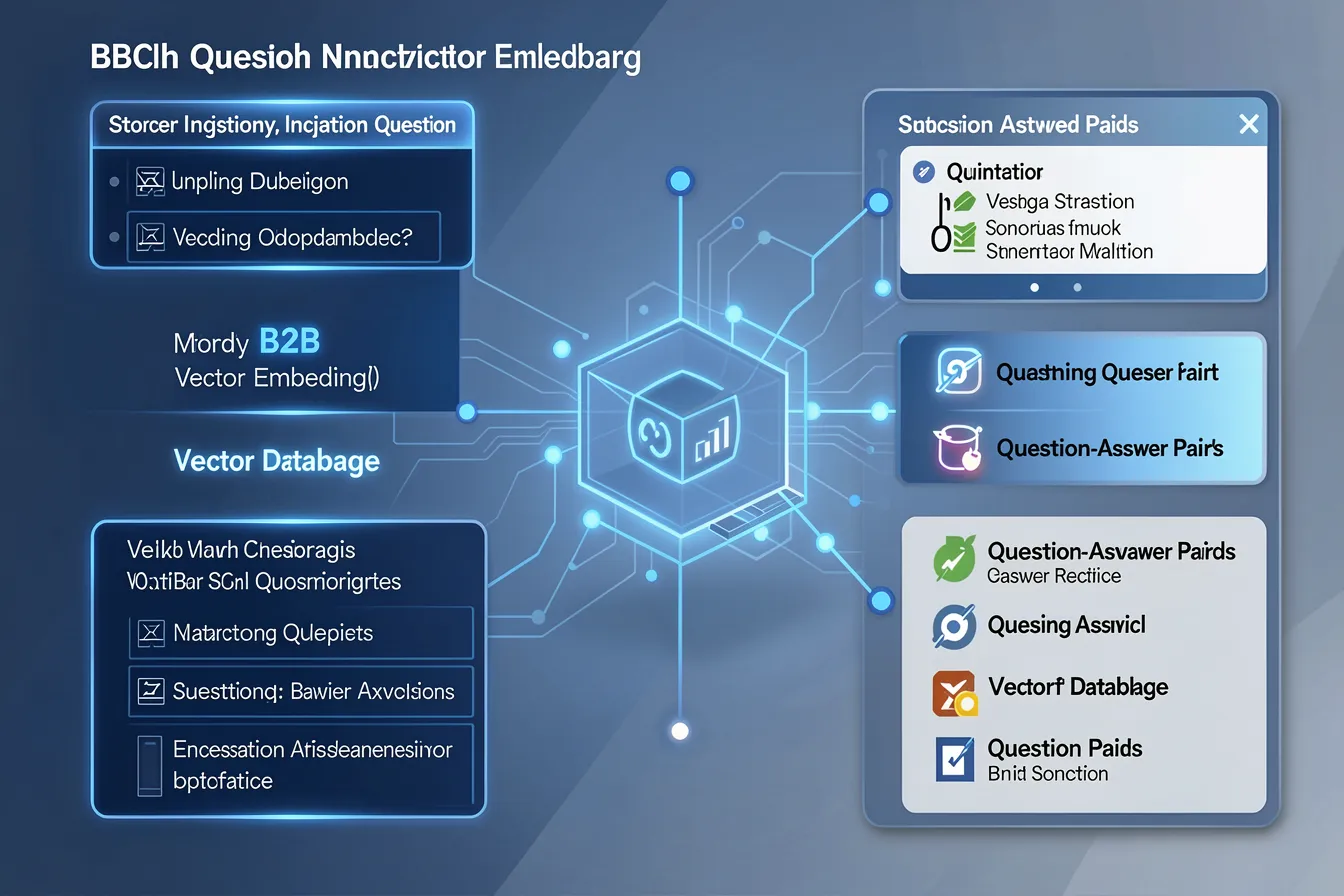
Tools such as Redis, Qdrant or GPTCache handle this task. You integrate the cache in a few lines of code. Your existing language model stays untouched. The cache simply sits in front of it.
Do not confuse this approach with the providers’ prompt caching. Prompt caching only saves cost within one running session. Semantic caching works across all users and sessions. It recognises the same intent throughout your entire organisation. Its effect therefore reaches much further.
Concrete use cases in the enterprise
Customer service benefits the most. Users there ask the same questions over and over. Opening hours, returns policy or shipping costs repeat constantly. The cache answers these requests without a model call. Your agents respond noticeably faster.
Internal knowledge bases gain a lot too. Employees look up policies, processes or technical terms. Many of these questions resemble each other week after week. The cache bundles this knowledge and serves it instantly.
RAG systems pair especially well with this technique. An expensive search across many documents becomes unnecessary for known questions. You save twice: on the search and on the model. On your own hardware, every saved operation counts.
Agents and automated workflows also gain speed. An agent often asks the model the same intermediate questions. The cache answers these steps without a new call. So the agent completes its task considerably faster. Your processes deliver a result sooner.
Limits and the right threshold
Semantic caching does not fit everywhere. Time-critical data such as stock levels changes constantly. An old answer quickly leads astray here. For such cases you set short expiry times or bypass the cache deliberately.
The similarity threshold decides your success. Set it too loose, and the system confuses different questions. Set it too strict, and the cache rarely takes effect. You find the right value only through tests with real requests.

Watch the hit rate closely. A well-maintained cache often reaches high values. Also review the delivered answers regularly. This prevents outdated content from lingering in the store.
On-premise: full control over cache and data
In your own data centre, the technique unfolds its full value. Sensitive questions and answers never leave your premises. The cache sits on your servers, under your supervision. Data protection and cost savings come together this way.
You also decide every detail yourself. You set the threshold, the expiry times and the retention period. You choose which topics the cache covers. You keep this control only with a self-hosted solution.
Start the cache with real questions from everyday work. Feed it in advance with your users’ frequent concerns. This way it hits reliably from day one. Your team observes the effect and tunes the threshold step by step.
Do you want to run your AI faster and cheaper? We show you how semantic caching fits your existing infrastructure. Talk to our team at ai-designers.eu and start with a clear analysis of your requests.
Images: AI-Designed