 Deutsch
AI-Designers



When you run self-hosted AI, the GPU gets all the attention. Fair enough – the cards cost the most. But the real bottleneck often sits elsewhere: in the KV cache. This memory grows with every request, eats into GPU RAM, and decides how many users you can serve in parallel before the system falls over.
With the wave of agentic workloads and long context windows, the KV cache has moved from a footnote to the central cost driver. On 20 October 2026, Red Hat and IBM unveiled llm-d 1.0 – an open inference stack whose core promise is, of all things, intelligent management of exactly this cache. That alone is reason enough to take a closer look.
What the KV cache actually is
A language model reads text one token at a time. For every token it computes so-called key and value vectors in each layer of the network. So the model doesn’t have to recompute the entire preceding text for the next token, it stores these vectors. That store is the KV cache: the short-term memory of the answer in progress.
The catch is the size. The cache grows linearly with context length and multiplies with the number of concurrent requests. A single chat with 100,000 tokens of context quickly occupies several gigabytes, depending on the model. Serve twenty such sessions at once and an expensive card is full – not from the model weights, but from intermediate results.
This is exactly where the math of many pilot projects breaks down. In the lab, with a handful of test requests, everything runs smoothly. In production, with a hundred departments and long documents, the caches pile up, GPU memory fills, and the system either rejects requests or slows to a crawl.
Why this is boiling over right now
Two developments are colliding. First, long context windows: models with a million tokens are no longer rare in 2026. Meta’s Muse Spark Open, for instance, approaches that mark. The more context you use, the larger the cache.
Second, agentic workflows. An agent that calls tools, plans intermediate steps and looks things up repeatedly keeps its context open across many rounds. Instead of a short question-and-answer episode, you get long, branching sessions. The cache stays occupied for just as long.
Analysts now estimate that inference – the running operation, not the training – swallows the bulk of AI budgets. Get your caches under control and you directly reduce the number of cards you need. That’s not an academic detail; it’s a line on the invoice.
Offloading: move the cache, don’t throw it away
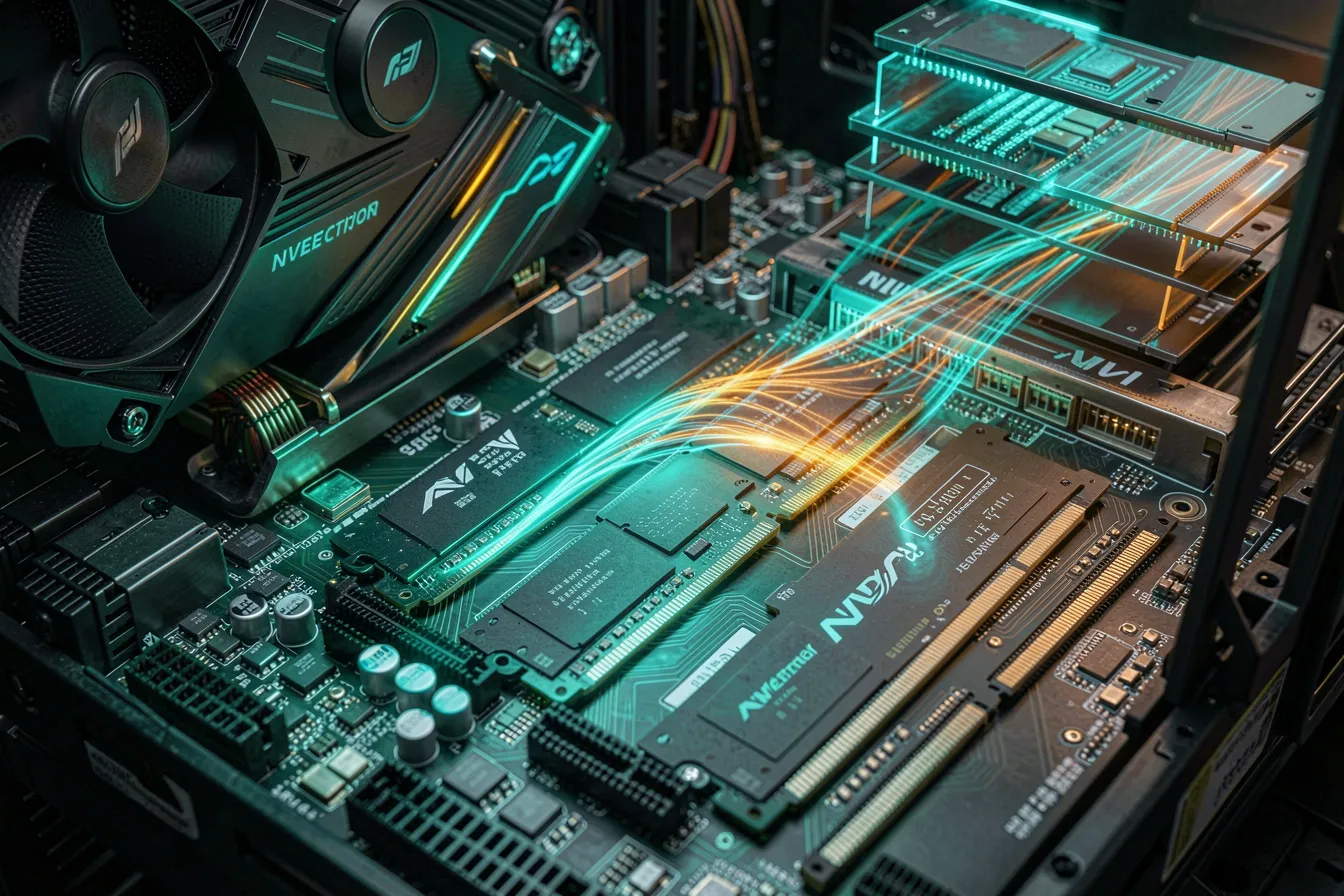
The obvious reflex is to discard older caches when memory runs short. That works, but it costs compute as soon as the same session continues – the model then has to rebuild the discarded part. Offloading takes a different route. It pushes rarely used cache segments out of expensive GPU memory into cheaper CPU RAM or onto fast NVMe SSDs.
Companies like Tensormesh and NVIDIA, with its Dynamo stack, are driving this approach. The logic: GPU HBM is scarce and expensive, while CPU RAM and flash are plentiful and cheap. If a cache segment isn’t in the active compute path right now, it has no business sitting in high-priced memory. When the session needs it again, the stack fetches it back in time.
The payoff is tangible. You serve longer contexts and larger batches without buying new cards. The price is careful orchestration: fetching back over the PCIe bus must not stall the response. So the quality of predicting which segment is needed when decides between success and frustration.

Compression: shrink the cache by the numbers
A second lever works on the data itself. By default, the key and value vectors sit at 16 bits. Convert them to FP8 or INT8 and the memory footprint halves – which roughly doubles the number of sessions that fit on a card.
Accuracy suffers less than many fear. Keys and values are more robust to low precision than the model weights are. Still, the rule holds: measure, don’t assume. Check on your own tasks whether answer quality stays stable before you switch compression on in production.
Compression and offloading are not mutually exclusive. Quite the opposite: a compressed cache is faster to offload and fetch back, because less data travels across the bus. The two techniques reinforce each other.
Prefix caching: compute the shared part only once
Many applications send the same text opening over and over. A system prompt with a role description, a formatting template, a company policy – that block is identical on every request. Without a cache, the model recomputes it every single time.
Prefix caching holds the KV cache for such shared prefixes and shares it across many requests. The first request fills the cache; every one after builds on it. With long, fixed system prompts or RAG applications that carry recurring instructions, this noticeably saves compute and cuts the latency of the first token.
In practice this lever often delivers the biggest immediate win, because it demands no quality trade-off. You simply don’t compute things twice. vLLM, llm-d and most modern inference servers already ship with prefix caching – it just has to be used deliberately and tuned to your own prompts.
What this means for your architecture
The three levers belong together. Prefix caching reduces what gets created in the first place. Compression shrinks what remains. Offloading spreads the rest across the right memory tier. Turn only one screw and you leave potential on the table.
In practical terms: pick an inference server that handles these features natively, rather than bolting them on yourself. vLLM laid the groundwork with PagedAttention; llm-d 1.0 builds on it with distributed cache management across multiple nodes. Both are open source and run on your own hardware – a fit for companies that must keep data in house.
And measure before you scale. Watch GPU memory utilization under real load, not in a test run. It often turns out that an existing card carries far more users once the cache is managed well. The cheapest GPU is the one you don’t have to buy.
Planning a self-hosted AI that stays affordable under real load – and want KV cache, offloading and inference architecture set up right from the start? Talk to the team at AI-Designers, and we’ll get your models into production economically.
Images: AI-Designed