 Deutsch
AI-Designers


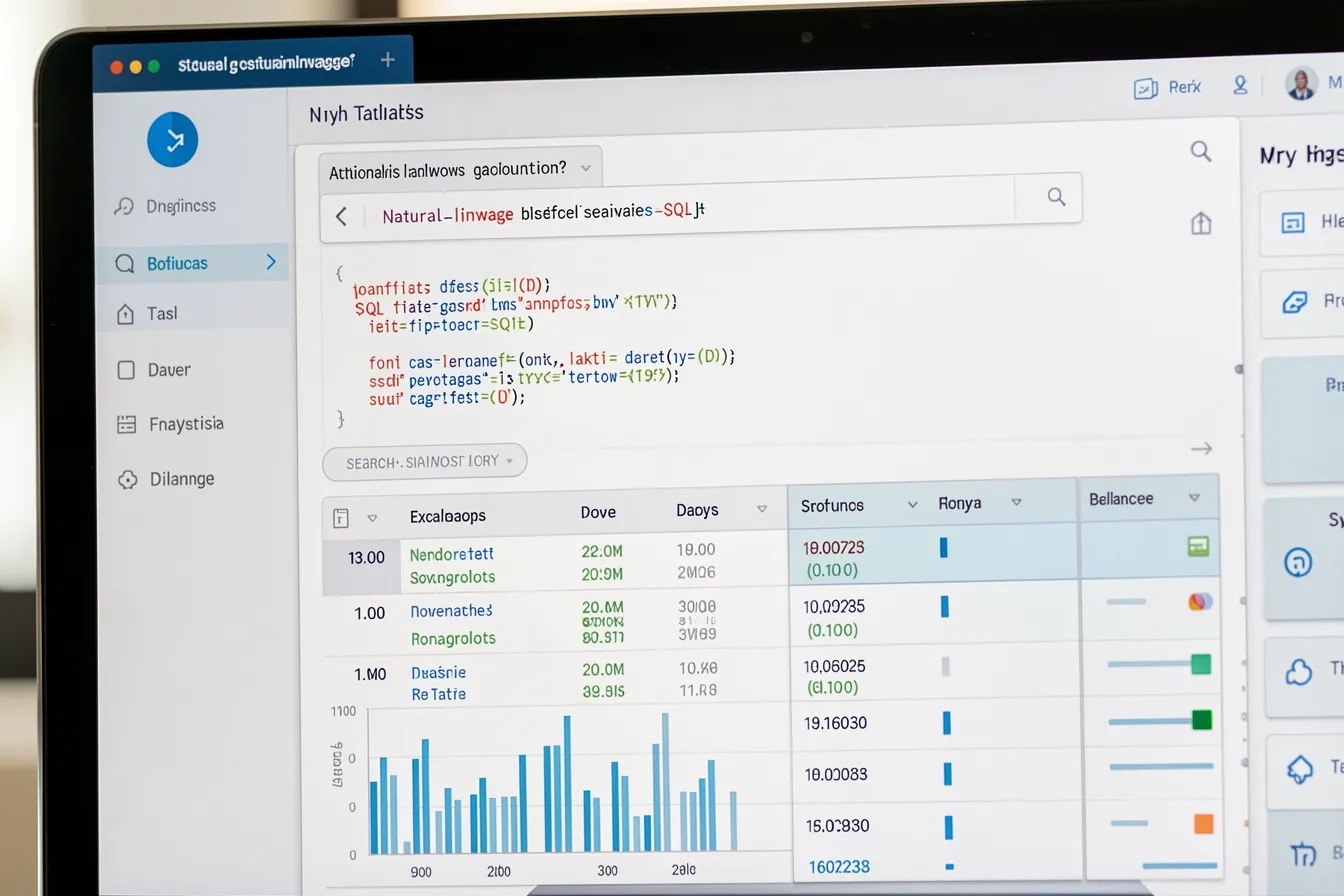
Revenue for the southern region, broken down by quarter and product line, limited to customers with more than three orders. Anyone who wants that answer today either writes the SQL themselves or waits for someone on the BI team to free up. Both cost you. Text-to-SQL changes the math: an AI model turns a plain-language question into a database query, runs it, and hands back the result. And for companies with sensitive data, here is what matters most — that model runs in your own data center, not on a cloud provider’s servers.
Why plain language at the database matters
In most companies the knowledge sits in relational databases. ERP, CRM, inventory, ticketing — structured data, neatly arranged in tables. Yet almost no one reaches it directly. A department frames a question, passes it to IT or reporting, and a few days later an export lands in the inbox. Every new question restarts the queue.
Text-to-SQL shortens that path. The head of sales types her question the way she would ask a colleague. The model knows the database schema, picks the right tables, joins them on the correct keys, and builds a valid SQL query. The human stays in the loop: she sees the generated query, checks it if she wants, and runs it. Nobody has to learn JOIN syntax.
The payoff is not only speed. It is access. Questions that never got asked before, because the effort felt too high, suddenly become routine. A warehouse manager checks each morning which items have dropped below the reorder point. That builds a culture where decisions rest on numbers instead of gut feel.
How the translation works under the hood
A language model does not know your tables out of the box. So it gets the context delivered alongside the question: table names, columns, data types, foreign-key relationships. For small databases the full schema fits in the prompt. With hundreds of tables, a filter runs first — a retrieval step pulls out the handful of tables relevant to the question, and only those enter the context.
Good systems do not stop at the bare schema. They enrich the context: short descriptions per column, sample values, a few proven question-query pairs from your own domain. That the column status holds the values ‘A’, ‘S’ and ‘G’ rather than ‘active’, ‘cancelled’, ‘shipped’ is something the model has to learn somewhere. These hints often decide between success and failure.
After generation comes the check. The query runs against the database parser before any human sees it. If it fails, the error message goes back to the model, which corrects it and tries again. Two or three such loops catch most syntax errors without the user noticing a thing.
On-premise over cloud: the real lever
Text-to-SQL touches the heart of your data. The query alone already reveals a lot about your structure and your business; the result reveals far more. Send those questions to an external API and metadata, often enough real figures, leave the building. For financial records, HR data or patient data, that is rarely an option.
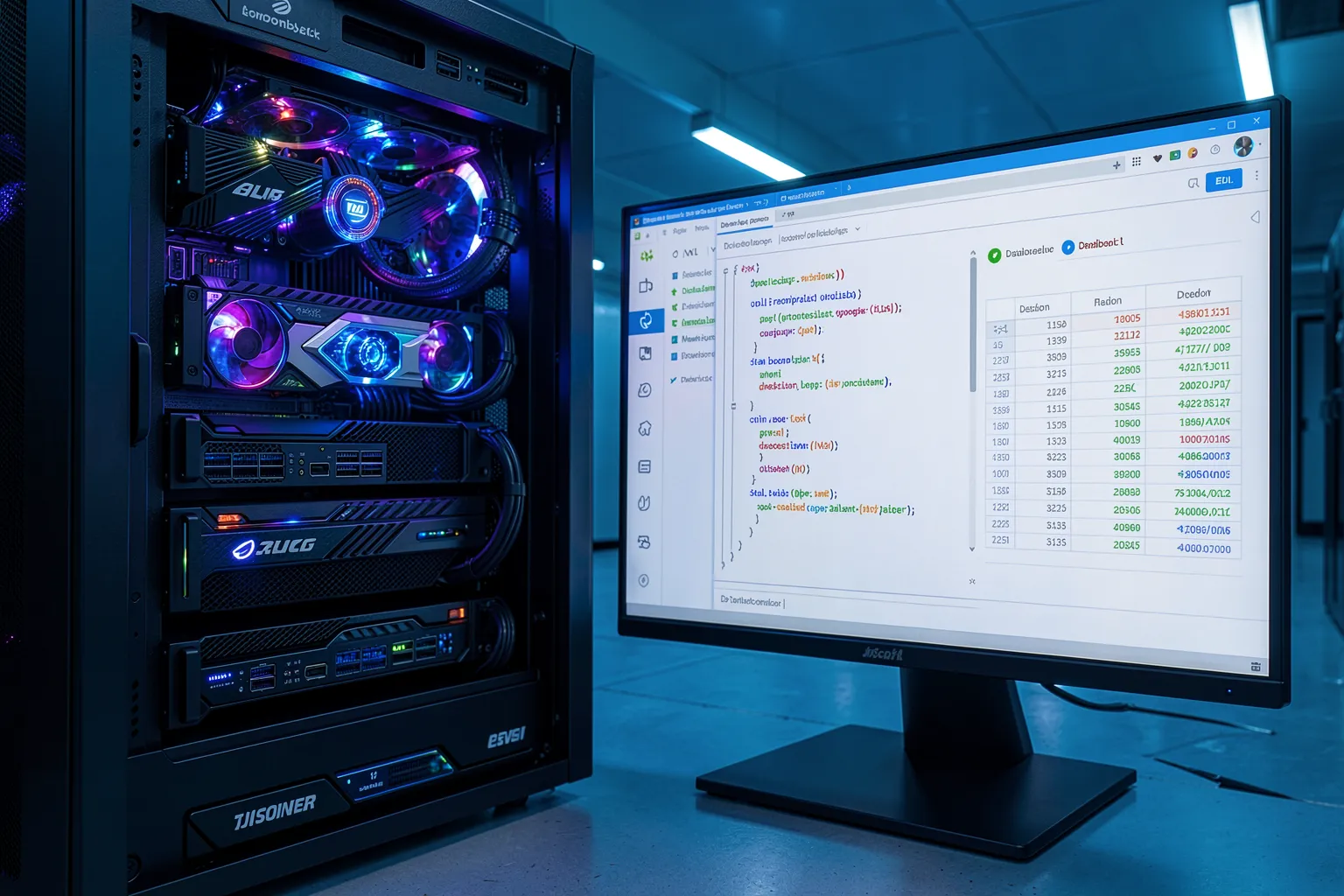
A self-hosted model flips this around. An open model like Qwen, or a specialized code model, runs on your own GPU hardware, right next to the database. Not a line of schema, not a single number leaves the network. For many industries this is not a nice-to-have but a hard requirement — GDPR and sector-specific rules leave little room.
The effort stays manageable. Text-to-SQL does not need a model with hundreds of billions of parameters. Mid-sized models trained on code and SQL solve the task reliably and run on modest hardware. An inference server like vLLM batches requests efficiently, so several departments work in parallel without response times falling apart.

Where the traps hide
A generated query that runs cleanly is not automatically correct. The most dangerous class of error looks right but counts the wrong thing. The model confuses two similarly named columns, forgets a filter on cancelled orders, or sums across the wrong granularity. The result seems plausible — and leads you astray.
So validation belongs at the center, not the edge. Show the generated query openly. Let the system explain which tables it chose and why. For critical metrics, store vetted templates the model draws on instead of reinventing every query. Trust grows when users can retrace how a number came to be.
Then there are permissions. A text-to-SQL system may only see what the person asking is allowed to see. In practice that means the system works through a database account that mirrors the user’s rights and gets read-only access, full stop. A model that accidentally builds a DELETE query does real damage otherwise. Read-only is not up for negotiation.
Rolling it out step by step
Start small. Find a department with a clear pain — often reporting, groaning under ad-hoc requests — and a contained slice of data. A dozen tables, a concrete list of questions. On that slice you measure how often the model gets it right before you widen the scope.
Invest early in documenting the schema. Every good column description, every stored example feeds straight into the hit rate. This work looks unspectacular, yet it shapes the outcome more than the choice of model. While you are at it, collect the questions users actually ask — they are the training material for the next stage.
Treat the system as an assistant, not an oracle. It proposes a query; the human decides. As the hit rate climbs and vetted templates accumulate, trust grows and the review effort drops on its own. That is how an experiment turns into a tool the department reaches for every day — without burdening IT with every single question.
Conclusion
Text-to-SQL brings the data to where the questions arise: into the department. Self-hosted, every number stays in the building, and control over permissions and validation stays with you. The road does not run through the biggest model, but through cleanly documented data, strict read rights, and a rollout in small steps.
Want to explore how plain-language queries and self-hosted AI fit into your existing data landscape? Talk to the AI-Designers team — we guide companies from the first feasibility check all the way to running their own AI solutions in production.
Images: AI-Designed