 Deutsch
AI-Designers


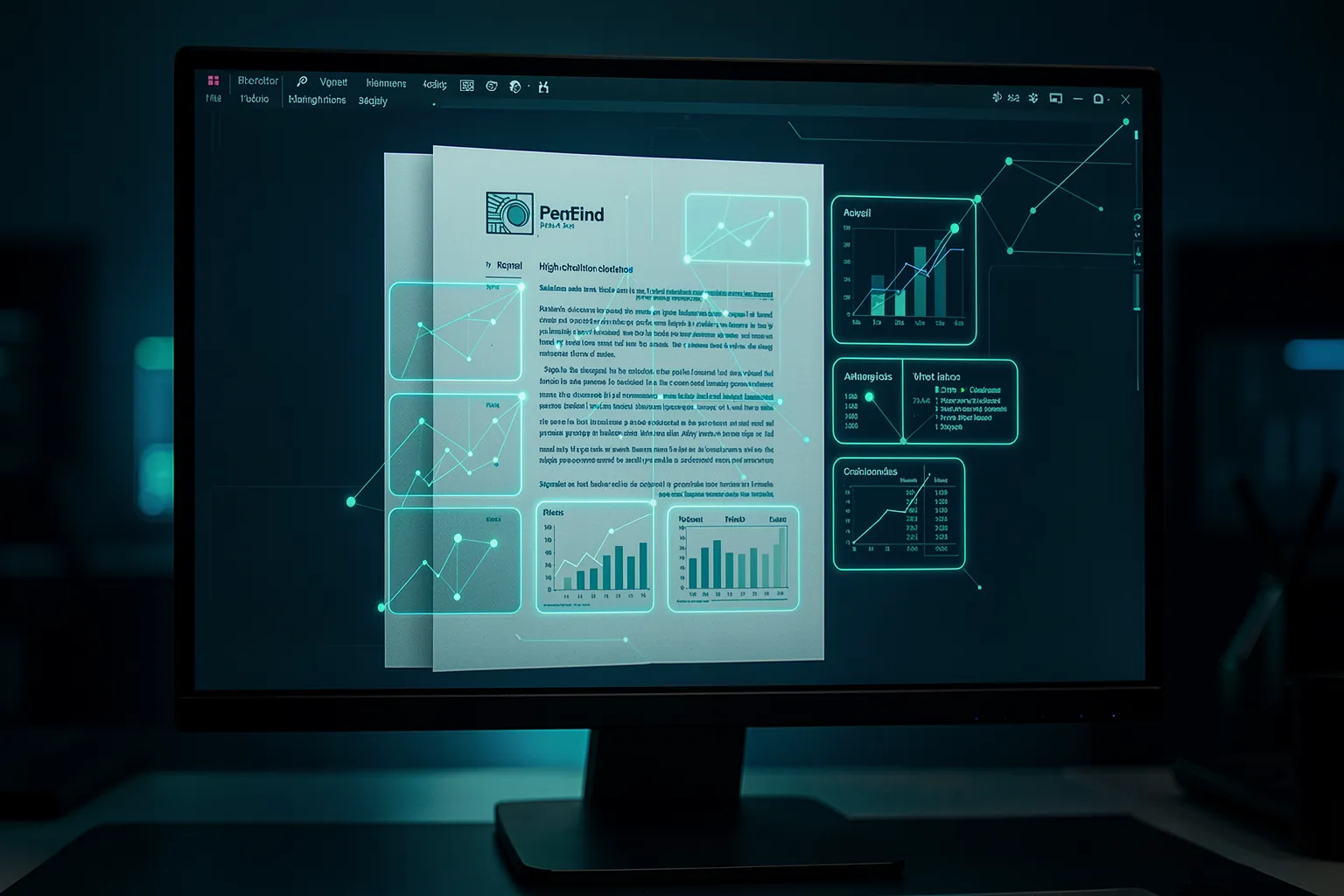
Why OCR breaks on real documents
Ask an AI about third-quarter revenue, and it answers wrong from the annual report in front of it. Not because the model is slow-witted. The number lives inside a bar chart, and the OCR step before it turned that chart into word salad. Tables fall apart into disconnected cells, footnotes drift into the middle of paragraphs, multi-column pages get scrambled line by line.
Classic document RAG runs in two stages: a parser squeezes the PDF into plain text, then retrieval searches that text. The trouble sits in the first stage. Contracts, technical manuals, balance sheets, product datasheets – everything that matters in day-to-day business depends on layout. Spatial arrangement carries meaning. OCR throws exactly that away before the real search even starts.
Anyone who has tried to read a scanned invoice with nested line items knows the pain. The errors don’t come from reasoning. They come from preprocessing. And they’re hard to spot, because the AI still answers fluently – just not from the actual document.
The trick: treat the page as an image
A newer approach flips the order. Instead of breaking the page into text, the system renders each PDF page as an image and runs it through a vision-language model. The model splits the page into many small tiles, called patches, and produces a separate vector for each one. Roughly a thousand of these patch vectors describe a single page – charts, table rules, column structure and all.
The pioneering work goes by the name ColPali and comes out of research at Illuin Technology. The key point: there’s no OCR step left to lose anything. The model sees the page the way a person does. A revenue curve stays a curve, a price table stays a table, and the position of a footnote stays put.
Yes, that means more compute, and it does. But it fixes a problem at the root instead of fighting it afterwards with ever more elaborate parsers. For documents where a wrong number gets expensive, that trade is often the better one.

Late interaction: searching at the patch level
Ordinary vector RAG crams a whole page into a single vector. That’s economical but coarse – detail vanishes into the average. Visual RAG takes a different route and keeps every patch vector. At query time, the system compares each term in the question against every tile on the page and takes the best match for each. Practitioners call this MaxSim; the mechanism behind it is late interaction.
The payoff shows up on questions about figures and tables. Ask for a value from a specific chart, and the method pinpoints the exact image region where that value sits – not just the page it roughly appears on. That granularity is the difference between an answer that points at the source and one that misses it.
Which models to consider
The choice is wider than most people expect, and it’s open source. ColPali itself builds on PaliGemma. The ColQwen2 and ColQwen2.5 variants use the Qwen vision models and do noticeably better on multilingual documents – relevant for anyone holding German and English files in the same repository. For tight budgets there’s ColSmol, at 256 and 500 million parameters, which runs on far smaller hardware.
Alongside those sits Nomic Embed Multimodal with open weights, both in the classic single-vector form and as the multi-vector variant ColNomic, up to seven billion parameters. All of these models can run on-premises. That’s no minor detail: if you want radiology findings, personnel files or draft contracts to be searchable, you can’t hand the documents to someone else’s cloud in the first place.
Which model fits depends on your corpus. English financial filings place different demands than technical drawings or multilingual manuals. Test two or three candidates on your own sample pages before you commit – the benchmark ranking says little about your specific documents.
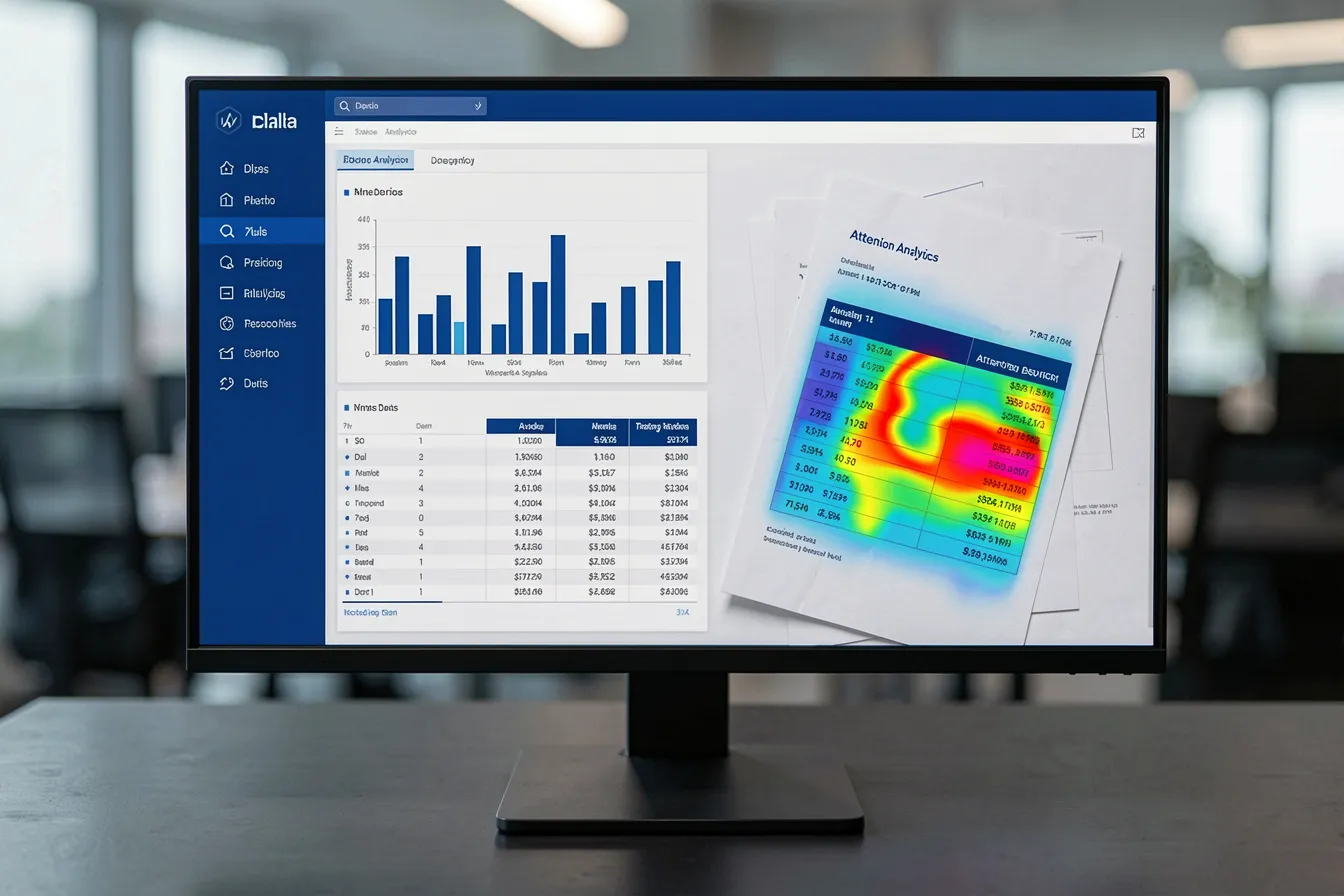
What it costs – and how to save
A thousand vectors per page instead of one: that lands in your storage bill. Where a single-vector setup gets by with tens of gigabytes for ten million pages, the multi-vector approach lands in the low single-digit terabytes. Manageable, but it needs planning.
There’s an elegant lever. With Matryoshka embeddings you can trim the vector length from 1,024 down to 256 dimensions. That quarters the storage footprint and, according to the developers, costs under two percent in retrieval quality. A second trick saves compute at search time: filter coarsely first with mean-pooled vectors, then rerank only the best 50 to 100 pages with full MaxSim. You pay the expensive comparison only where it earns its keep.
The vector database deserves a second look too. Vespa supports late interaction natively and is built for this pattern. OpenSearch can handle parallel text and image fields with HNSW indexing, but needs custom scoring logic for true MaxSim. Your database choice shapes how much in-house engineering you take on.
Where the effort pays off
Not every document needs this machinery. A pile of plain text memos runs cheaper on classic RAG. Visual RAG earns its place where structure and imagery carry the actual information.
- Financial reports: revenue curves, segment waterfalls and footnote-heavy tables where the precise source matters.
- Technical documentation: wiring diagrams, P&IDs and CAD screenshots, where the arrangement itself is the message.
- Medical records: embedded scans and annotated findings – almost always on-premises, because patient data can’t leave the building.
- Product catalogs: visual similarity search across images, not just across item descriptions.
The rule of thumb is simple: the more a wrong answer costs, the more the extra effort justifies itself. In legal due diligence or a compliance review, one overlooked clause weighs more than a few terabytes of storage and a bit more GPU time.
When the switch is worth it
Don’t start with your entire archive. Take the one document class where your current RAG keeps failing – usually the table- and chart-heavy pages. Stand up a small visual index for it, ask twenty real questions from daily work, and compare the answers head to head with your existing setup.
That shows you quickly whether the effort holds up, without rebuilding your infrastructure. Visual RAG isn’t a replacement for everything. It’s the right tool for the documents where text parsers give up. For exactly those cases, it closes a gap that stayed open for a long time.
Want to find out whether your document repositories would benefit from visual RAG, or set up an on-premises solution for your business? Talk to us at AI-Designers – together we’ll work out which approach suits your documents and your data-protection requirements.
Images: AI-Designed